
Overview
The integration between Wealthbox and Lead Pilot allows financial advisors to streamline their marketing and CRM workflows. By connecting the two platforms, advisors can easily sync contacts from Wealthbox into Lead Pilot to fuel personalized email campaigns, social media outreach, and lead nurturing—all while keeping client data organized in one place. This integration eliminates the need for manual data transfers and ensures that Lead Pilot marketing efforts are always based on the latest contact information from Wealthbox.
Key Features
One-click sync from Wealthbox to Lead Pilot: Send clients and prospects from Wealthbox into Lead Pilot instantly.
Automatic or manual import options: Set daily auto-import of new Wealthbox contacts into Lead Pilot or trigger imports manually.
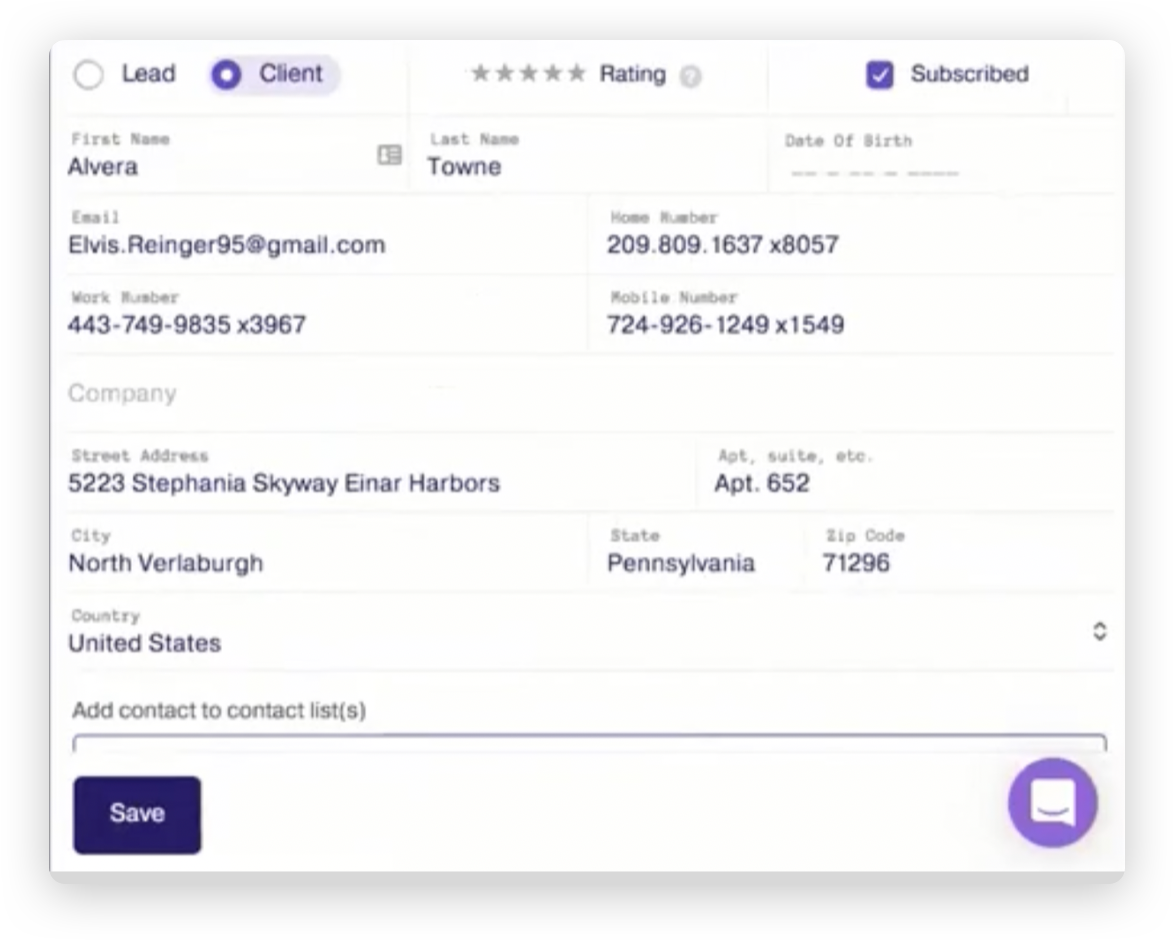
Client details pulled from Wealthbox: Lead Pilot displays full contact data sourced from Wealthbox for use in marketing campaigns.
Send-to functionality: Yes—this integration supports Wealthbox’s Send To actions, enabling quick export of individual contact records into Lead Pilot.
How to enable the integration
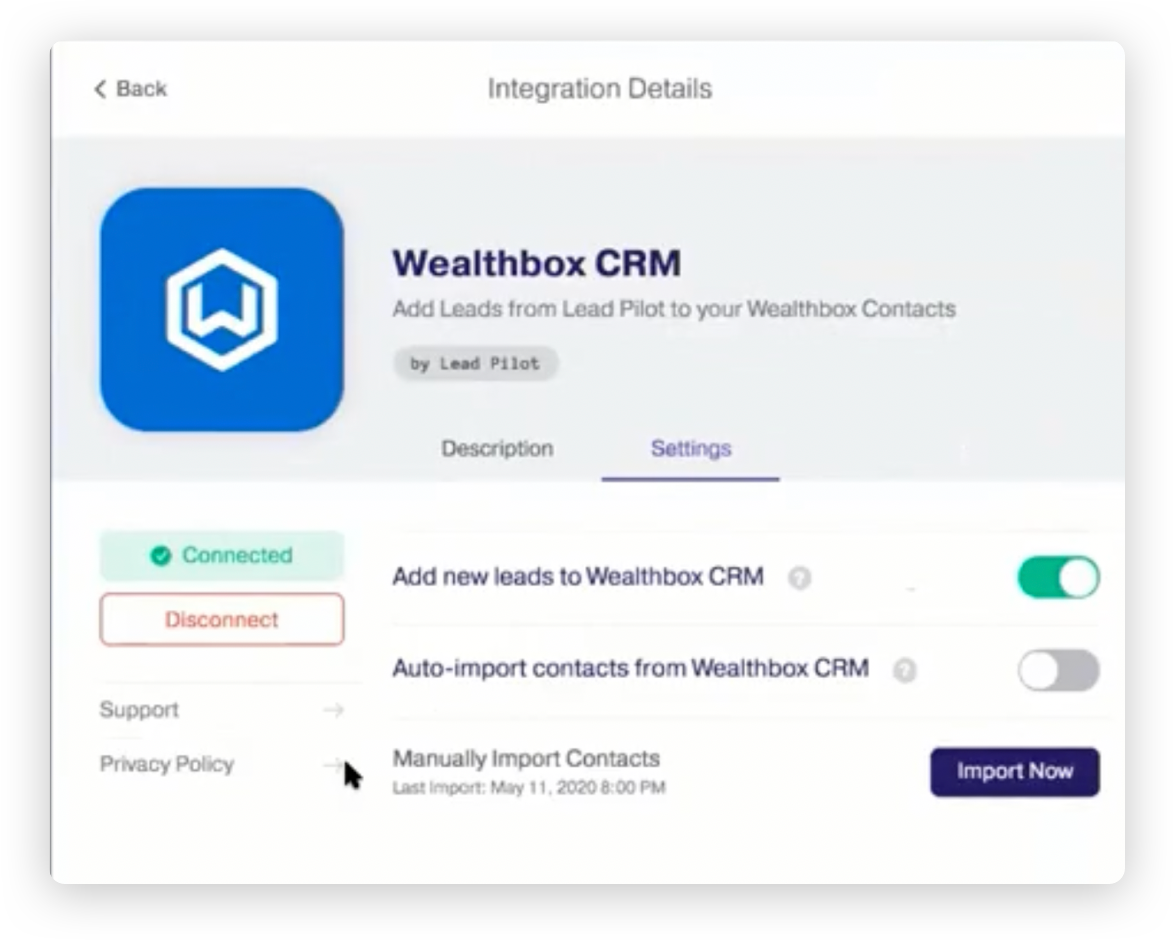
In Lead Pilot, go to Settings, then Manage Integrations, and select Wealthbox.
In Wealthbox, navigate to Settings → API Tokens and generate a new token for Lead Pilot.
Copy the token and paste it into the Lead Pilot configuration field.
Configure the integration by enabling or disabling:
Auto-import: Automatically bring in new Wealthbox contacts every 24 hours.
Add new leads: Push leads collected through Lead Pilot’s landing pages back into Wealthbox.
Import now: Manually trigger a one-time import of Wealthbox contacts into Lead Pilot.
Save your changes to complete the integration.
How Does the Lead Pilot Integration Work
The integration allows contacts from Wealthbox to be imported into Lead Pilot either through a daily automatic sync or by manually initiating a one-time import. Additionally, individual contacts can be pushed directly from Wealthbox using the “Send To” action. Contact records are matched based on email address and name; if a match is found, the existing record is updated, and if not, a new contact is created in Lead Pilot. The automatic import runs once every 24 hours to ensure the contact list remains up to date, while manual imports can be performed at any time. For users seeking guidance, a webinar demonstration is available that walks through the integration setup, contact syncing process, and how to launch marketing campaigns using synced data.
Troubleshooting & FAQs
Why isn’t Lead Pilot importing my Wealthbox contacts?
Make sure the API token was copied correctly from Wealthbox into Lead Pilot.
Confirm that the Auto-import toggle is turned on.
What if contact matching fails?
The integration uses the name and email to match. If no match is found, a new contact will be created in Lead Pilot.
Can I push a single Wealthbox contact manually?
Yes. Use the Send To → Lead Pilot option directly from the Wealthbox contact record.
Does this integration remove the need for manual entry?
Yes. The sync automates contact sharing between systems, eliminating the need for spreadsheets or double entry.
Is this integration secure?
Yes. All data transfers occur securely via API token authentication and follow industry-standard encryption protocols.