
Overview
LeadCenter is a sales and marketing automation platform for financial advisors that automates marketing campaigns, lead capturing, and attribution. With the LeadCenter integration, advisors can sync contacts and prospects from LeadCenter to Wealthbox, ensuring efficient lead management and streamlined client workflows.
Key Features
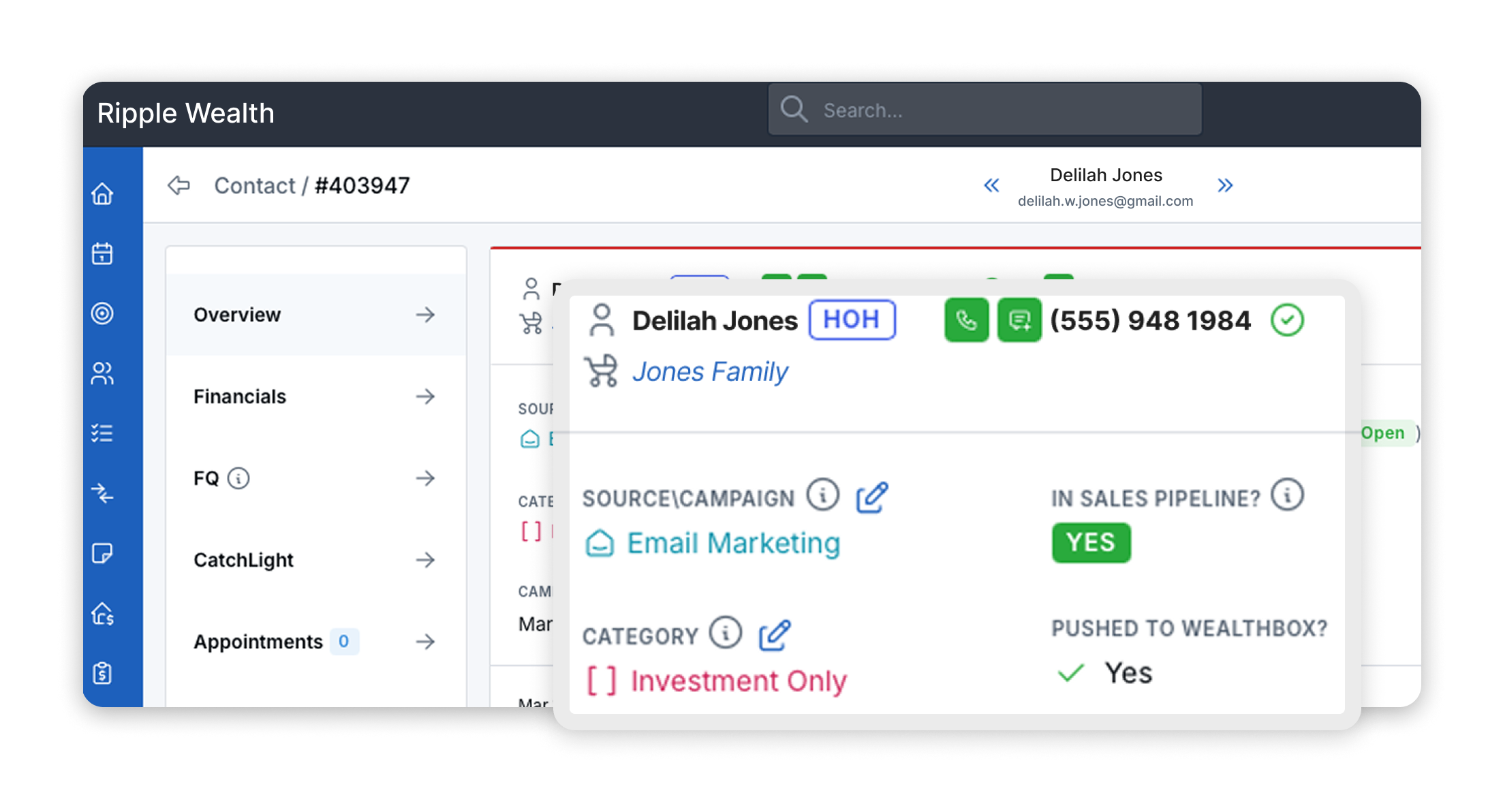
Automatic or manual contact syncing: Push contacts and prospects from LeadCenter into Wealthbox in real time, either automatically on creation/update or manually at your discretion.
Reduced manual data entry: Streamline workflows and avoid transcription errors by eliminating manual contact transfers.
Up-to-date CRM data: Ensures Wealthbox always reflects the latest leads captured across up to 19 sources in LeadCenter.
Configurable sync mode: Choose between fully automatic sync or manual “push” mode based on your workflow.
How to enable the integration
- In LeadCenter, click on your name in the upper right corner and select Integrations -> CRMs.
- Under the Wealthbox section, click the Connect button.
- This will take you to Wealthbox login page. Enter your name and password and click Log in to Wealthbox.
- You will be redirected to LeadCenter, where you will see a "Connected" status in the Wealthbox section.
- Click the Configure button inside Wealthbox box.
- You can configure the integration to work in two modes:
- Automatic: Contacts are automatically pushed to Wealthbox when they are created or updated in LeadCenter. To enable this, make sure that both options are turned on in the configuration screen.
- Manual: Contacts must be pushed manually to Wealthbox. To enable this mode, disable both options in the configuration screen. Then, to push a contact to Wealthbox, use the contact Actions menu in LeadCenter.
- Now, LeadCenter and Wealthbox are integrated, and you can push contacts from LeadCenter to Wealthbox.
How Does the LeadCenter Integration Work
Data flow: When a contact or prospect is created or updated in LeadCenter (via forms, events, campaigns, etc.), the data is pushed to Wealthbox (either automatically or manually). In manual mode, you can choose individual records to push via LeadCenter’s UI.
Contact matching: Wealthbox will either create a new contact or update an existing one based on matching criteria such as email address and name.
Refresh schedule: In automatic mode, syncs happen instantaneously at the moment a LeadCenter event occurs. In manual mode, performed on demand.
Demo video/webinar: A recorded webinar demonstrating live use of the integration, benefits, and setup flow can be found here.
Troubleshooting & FAQs
Why isn’t my contact syncing?
Ensure that the integration toggle (automatic mode) is enabled in LeadCenter’s configuration.
In manual mode, confirm you are using the correct “Push to Wealthbox” action via the Actions menu.
Confirm Wealthbox connection is active (status shows “Connected”).
What happens if a contact already exists in Wealthbox?
LeadCenter will attempt to match by email/name. If found, the existing record is updated; otherwise, a new contact is created.
What if I disconnect?
You can re-connect at any time via Integrations → CRMs → Wealthbox → Connect. Ensure to reconfigure sync mode settings.