
Overview
Intulse is a cloud-based VoIP business phone solution designed to integrate communication and CRM workflows for improved productivity. The Intulse + Wealthbox integration enables seamless syncing between phone activity and your Wealthbox CRM, allowing advisors and their teams to work more efficiently and stay connected with clients.
Key Features
The integration between Intulse and Wealthbox makes communication tracking easier and more automated within your CRM. Here’s what you can do:
View Wealthbox contact details directly within the Intulse app during incoming or outgoing calls.
Click-to-call functionality from Wealthbox using the Intulse desktop or mobile apps.
Log call activity automatically to the appropriate contact’s activity stream in Wealthbox.
Access recent contact interactions and related notes during live calls.
Send-to integration: initiate calls directly from Wealthbox contact records using Intulse.
👉 For a list of integrations that support Send-To, visit: Send-To Functionality Guide
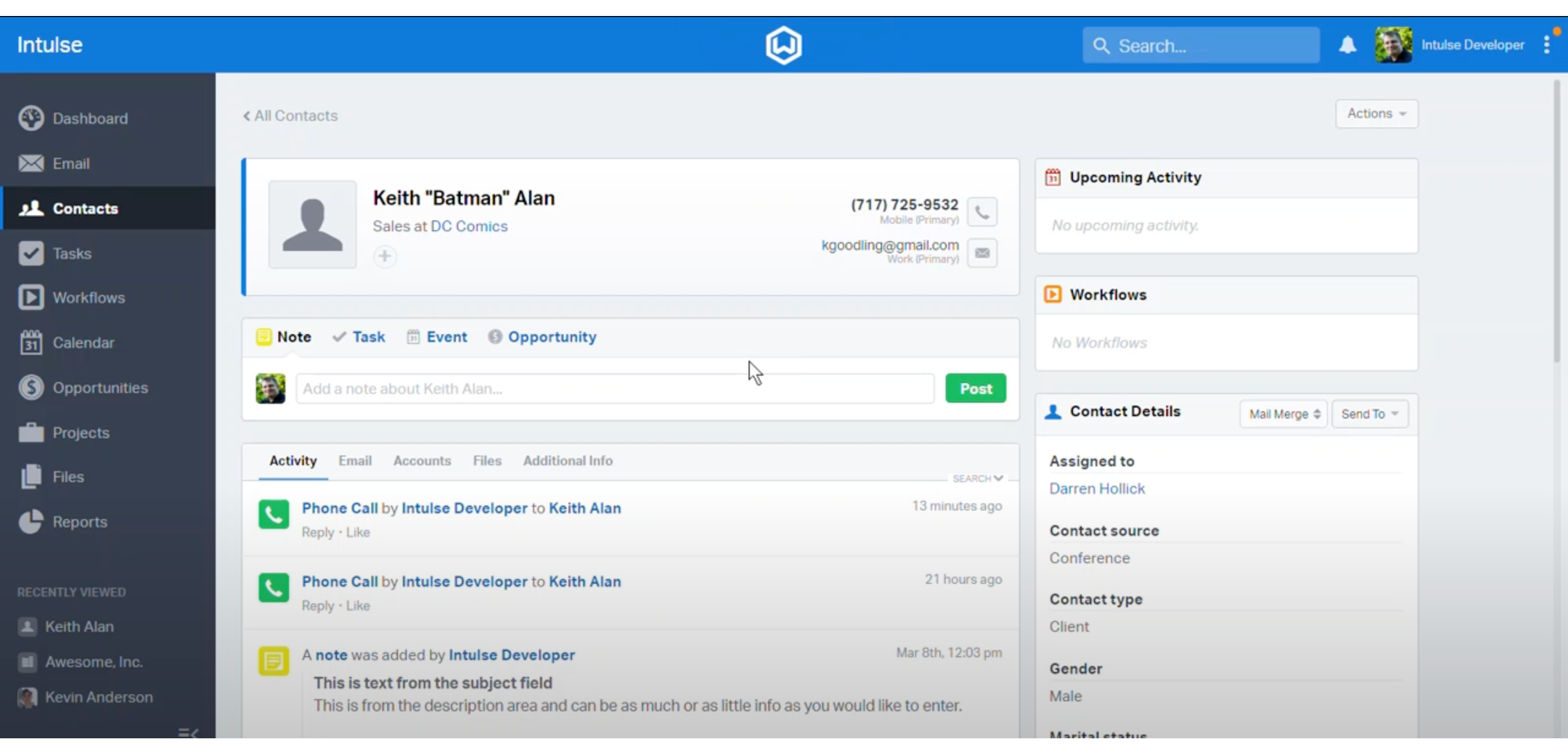
How to Enable the Integration
-
Login to your Intulse Dashboard
Navigate to: https://portal.intulse.com
-
Navigate to Integrations
Click on Settings > Integrations
Select Wealthbox from the list of CRM integrations
-
Authorize Wealthbox Access
Click Connect to Wealthbox
You will be redirected to Wealthbox and asked to grant access via OAuth authentication
Choose the Wealthbox workspace and authorize
-
Configure Integration Options
Enable/disable call pop-ups
Enable click-to-call for contact records
Configure automatic call logging preferences
-
Test the Integration
-
Make a test call to a Wealthbox contact to confirm:
Caller information appears in Intulse
Call details are logged in Wealthbox
-
How Does the Intulse Integration Work?
The Intulse integration allows real-time data exchange between your phone system and Wealthbox CRM, enhancing client visibility and reducing manual data entry.
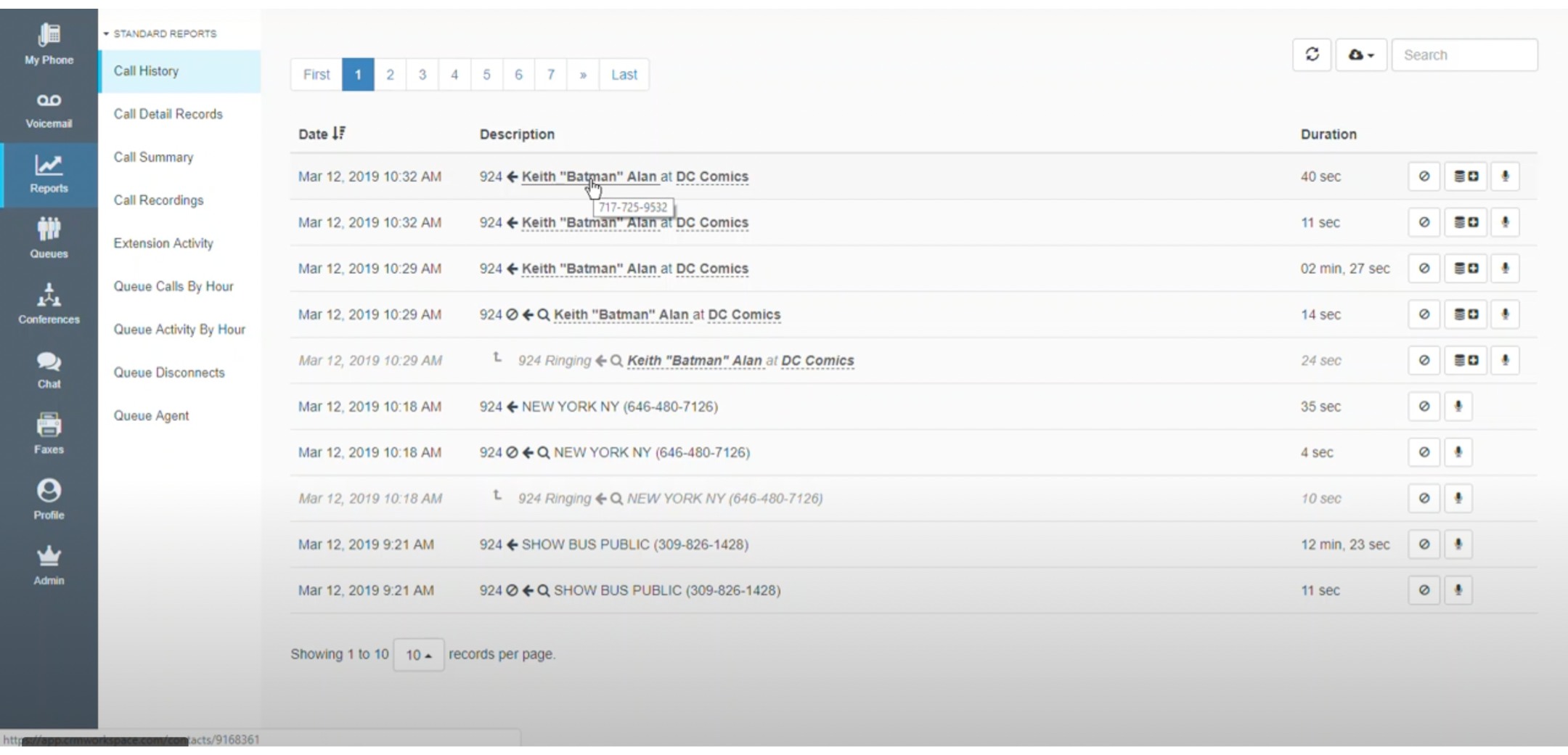
Data Flow and Behavior
-
Inbound & Outbound Calls:
When a call is made or received, Intulse checks the Wealthbox database for a matching contact.
Matching contact details (name, company, phone) are displayed in the Intulse app.
-
Call Logging:
Call metadata (duration, timestamp, direction) is automatically logged to the matching contact’s timeline.
Manual notes can be added post-call for additional context.
-
Contact Matching Criteria:
Phone numbers in Wealthbox (standard format required)
Matches must be exact for auto-linking
-
Data Refresh:
Integration uses live API calls—data is updated in real-time during calls.
Webinar: Linked Here