
Overview
Integromat (now branded as Make) is a powerful automation platform that enables users to connect their favorite apps and services to automate tasks, without writing code. With Make, Wealthbox users can build multi-step workflows, called scenarios, that integrate Wealthbox CRM with thousands of other tools to eliminate repetitive tasks and improve operational efficiency.
Key Features
Use the Integromat integration to connect Wealthbox with hundreds of applications. Key capabilities include:
Automate repetitive CRM tasks across applications like Gmail, Slack, Google Sheets, Calendly, and more.
Create, update, or search Wealthbox records such as Contacts, Opportunities, Tasks, Notes, and Events from external triggers.
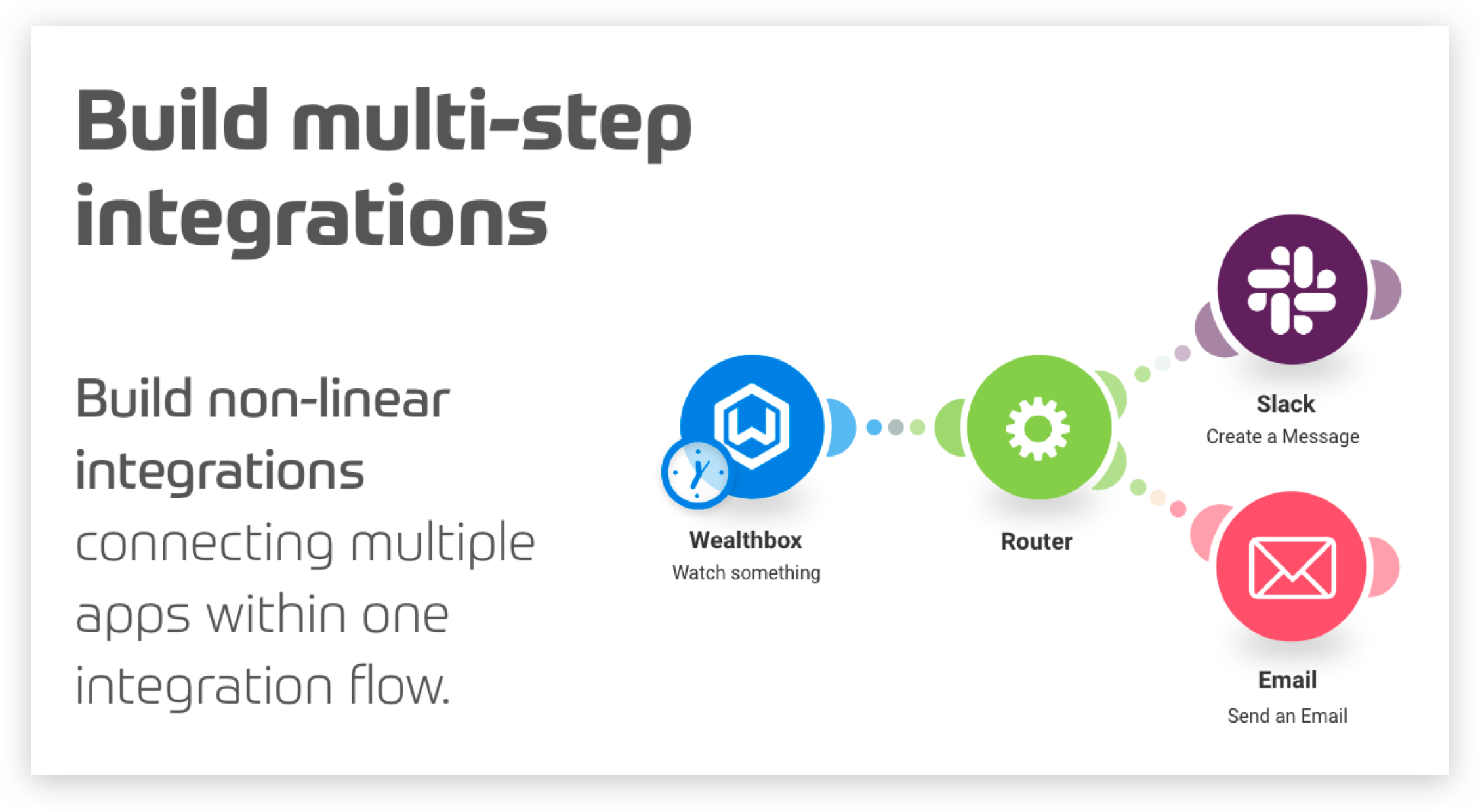
Multi-step scenario building: Perform complex automations like creating a contact in Wealthbox when a new row is added to a Google Sheet, then sending a Slack message.
Real-time or scheduled syncs between apps and Wealthbox.
Branching logic, filters, and data formatting tools for advanced automation customization.
Supports “Send To” functionality when paired with tools that allow sending data into Make.
👉 For more details on Send To capabilities, check out: What Integrations Offer Send To Functionality
How to Enable the Integration
To connect Wealthbox with Make (Integromat):
Step 1: Sign in or create an account at Make.com
Step 2: From the Make dashboard, click Create a new scenario
Step 3: Add Wealthbox as a module in the scenario
- In the module list, search for Wealthbox CRM
- Choose the action you want (e.g., Create Contact, Search Opportunity)
Step 4: Connect your Wealthbox account
- Click Add to create a new connection
- You’ll be prompted to log into your Wealthbox account and authorize access via OAuth
Step 5: Add additional apps/modules to complete your workflow
- Combine other tools like Gmail, Calendly, or Sheets to create powerful automation flows.
Step 6: Test your scenario
- Run the workflow manually or set a schedule
- Review logs and make adjustments as needed
How Does the Integromat Integration Work?
The integration allows two-way automation between Wealthbox and other supported apps. You can:
Trigger scenarios when a new record is created or updated in Wealthbox
Push data into Wealthbox from other systems
Chain actions with conditions, delays, and logic-based paths
Data Flow & Syncing
Triggers and actions can run in real-time or on a scheduled basis, depending on your scenario setup
Scenarios are configurable to pull or push data based on specific field matches (e.g., email address or contact ID)
Matching Criteria
Most scenarios rely on contact email, name, or unique IDs in Wealthbox to identify and update records accurately.
Troubleshooting & FAQs
Why isn't my data syncing to Wealthbox?
Double-check that your scenario has run recently.
Review your module configurations and make sure field mappings are valid.
Ensure your Wealthbox token hasn’t expired—re-authenticate if necessary.
How do I update an existing contact instead of creating a duplicate?
Use the “Search Contact” module before creating to check if the contact already exists.
Include filters or routers to direct the flow based on the result.
What if I see a permissions error?
Verify your Wealthbox user has appropriate access rights to use integrations.
Admin permissions may be required for certain actions.
Can I run multiple automations at once?
Yes. Make supports parallel workflows and multi-path scenarios for flexible automation.