
Overview
FP Alpha is an AI-driven, comprehensive financial planning platform that helps advisors scale and improve their processes by providing actionable, personalized insights across areas like tax, estate, insurance, and more. The integration with Wealthbox simplifies workflows by seamlessly syncing client data and enabling access to advanced planning tools without duplicate data entry.
With this integration, advisors can connect clients from FP Alpha to contacts in Wealthbox, transforming client information into insights across 17 disciplines, including tax, estate, and personal insurance. FP Alpha empowers advisors to deliver personalized recommendations in a scalable, intelligent, and cost-effective way, saving time and streamlining the financial planning process.
🔗 Click Here to Watch a Demo on AI-Driven Financial Planning with FP Alpha and Wealthbox
Key Features
-
Quick Contact Import: Easily import Wealthbox contacts into FP Alpha with just a few clicks, reducing setup time and ensuring consistency.
-
Eliminate Duplicate Data Entry: Send Wealthbox contact information directly to FP Alpha to start planning without retyping details.
-
Streamlined Onboarding: Use synced contact data to create a faster, more efficient onboarding process for new planning engagements.
-
Up-to-Date Records: Keep client profiles current by manually sending updated contact information from Wealthbox to FP Alpha as needed.
How to Enable the Integration
- Log in to FP Alpha: Go to https://app.fpalpha.com and sign in.
- Go to Integrations: Click your name or profile icon (top right), then choose “Integrations” from the menu.
- Find Wealthbox: Scroll through the list and find Wealthbox, then click “Connect” or “Enable”.
- Log in to Wealthbox: You’ll be asked to log in to your Wealthbox account. Enter your info and allow access when prompted.
- Link your clients: Once connected, you can start linking your FP Alpha clients to your Wealthbox contacts.
- Issue with setting up: Please contact FP Alpha's Support team for assistance with setup.
How Does the FP Alpha Integration Work?
The FP Alpha integration connects your Wealthbox CRM contact records with FP Alpha's planning platform. After setup, you can send contacts from Wealthbox directly into FP Alpha for use within its planning modules. Basic details like name, email, phone, and address will transfer. Note that data sync requires manual action via the “Send to” button; there is no automatic sync or refresh currently. The integration also matches client records based on contact details to avoid duplicates.
Pre-fill forms in FP Alpha using contact data from Wealthbox.
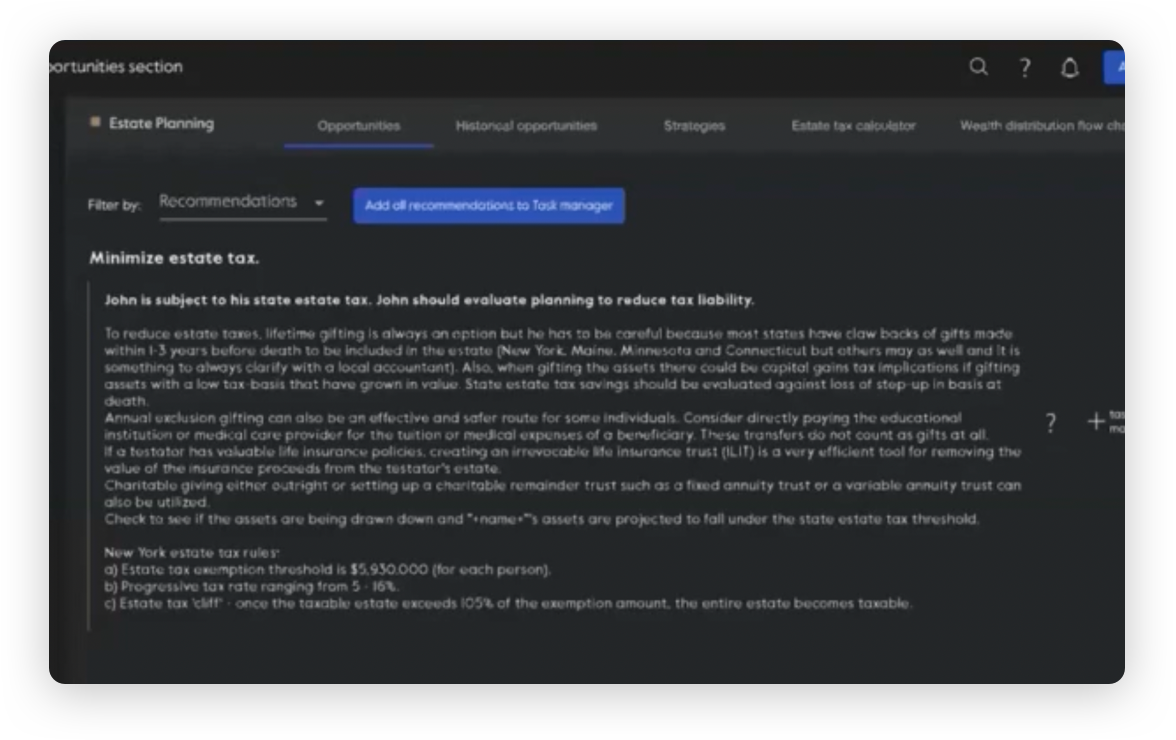
FP Alpha receives notifications about contact updates that may impact planning opportunities.
Troubleshooting & FAQs
Q: What data is transferred from Wealthbox to FP Alpha?
A: When you send a contact, FP Alpha imports basic details such as name, email, phone number, and address. This information is used to prefill forms and help set up planning workflows quickly.
Q: Does the integration automatically sync updates between Wealthbox and FP Alpha?
A: No, data sync is manual. You’ll need to use the Send to FP Alpha action whenever you want to transfer or refresh contact information. There is no automatic, ongoing sync at this time.
Q: Can FP Alpha notify me if client contact updates affect planning?
A: Yes, FP Alpha receives notifications about certain contact updates that may create new planning opportunities, helping you stay proactive with your clients.
Q: I'm having trouble setting up the integration. Who should I contact?
A: Please get in touch with FP Alpha's Support team for further assistance with setup.