
FreeBusy is an AI-powered scheduling tool that helps advisors automate bookings at every stage of their pipeline. With FreeBusy, you can easily generate shareable booking links showing either your team’s availability or your personal schedule. The integration with Wealthbox makes sure that any client or prospect who books a meeting is automatically captured in Wealthbox. If the lead already exists, FreeBusy will automatically add a meeting activity linked to that contact. If the lead is new, it will create a contact record, add a tag to show it came from your booking page, and keep everything organized.
How to Enable the Integration
-
Sign in to your FreeBusy account at freebusy.io.
-
Navigate to the "Integrations" page.
-
Scroll down to the entry for Wealthbox and click on "Add Integration."
-
Log into your Wealthbox account and then click "Authorize."
-
That's it! You're ready to capturing leads directly into Wealthbox with FreeBusy.
How Does the FreeBusy Integration Work?
FreeBusy provides seamless integration for managing your meetings by automatically adding them to your existing contacts. This feature ensures all scheduled meetings are easily accessible and organized within your contact list, improving tracking and follow-up. For new leads, FreeBusy takes it further by not only creating a new contact automatically but also tagging it with the specific form used during lead generation. This tagging system clearly indicates the lead's source, making it easier to manage and analyze your outreach efforts. Additionally, the event related to the new lead is quickly added to the contact, ensuring all relevant information is in one place. This streamlined approach enhances your workflow and helps keep your contact database well-organized, ultimately boosting your efficiency in managing relationships and scheduling.
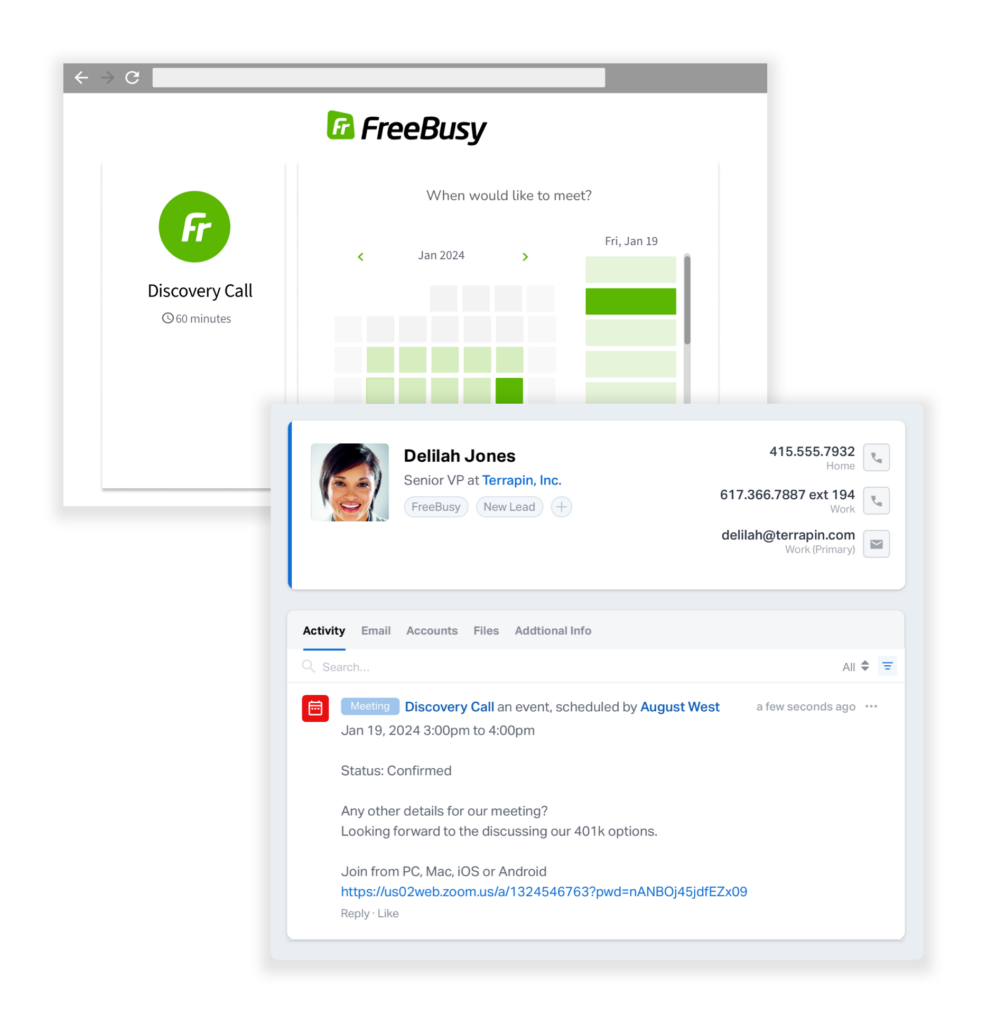
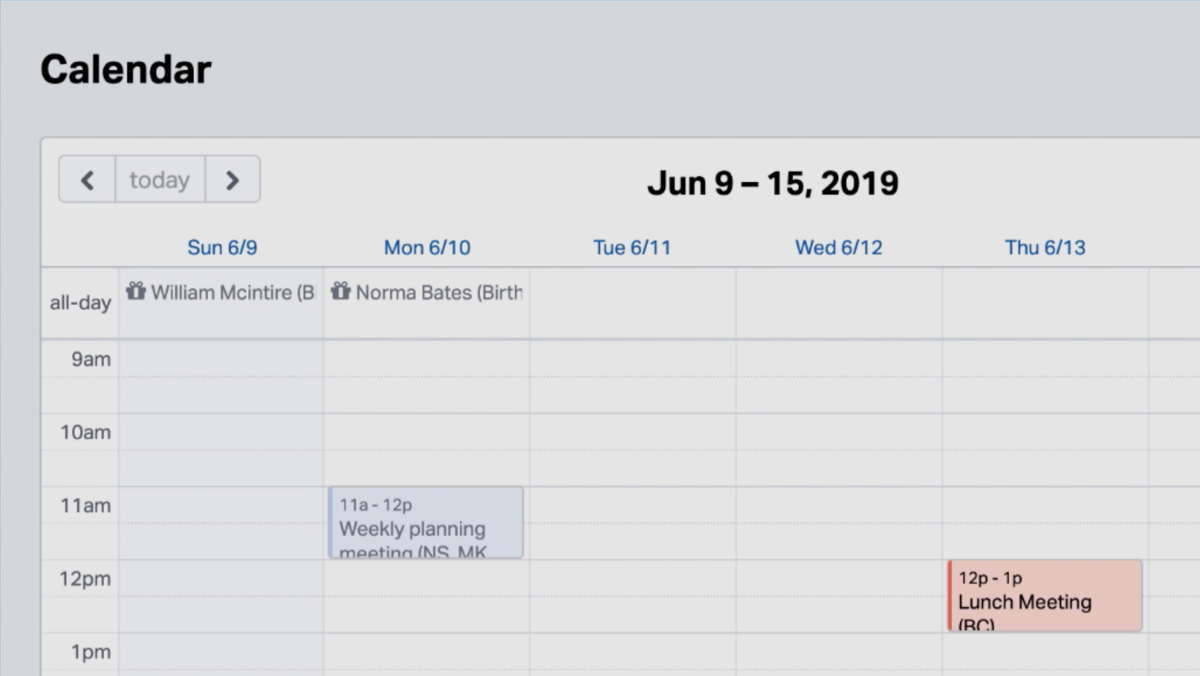
Scheduled meetings will automatically reflect in Wealthbox
After scheduling a meeting with FreeBusy, the corresponding event will also update in the Wealthbox calendar with participants and other details.
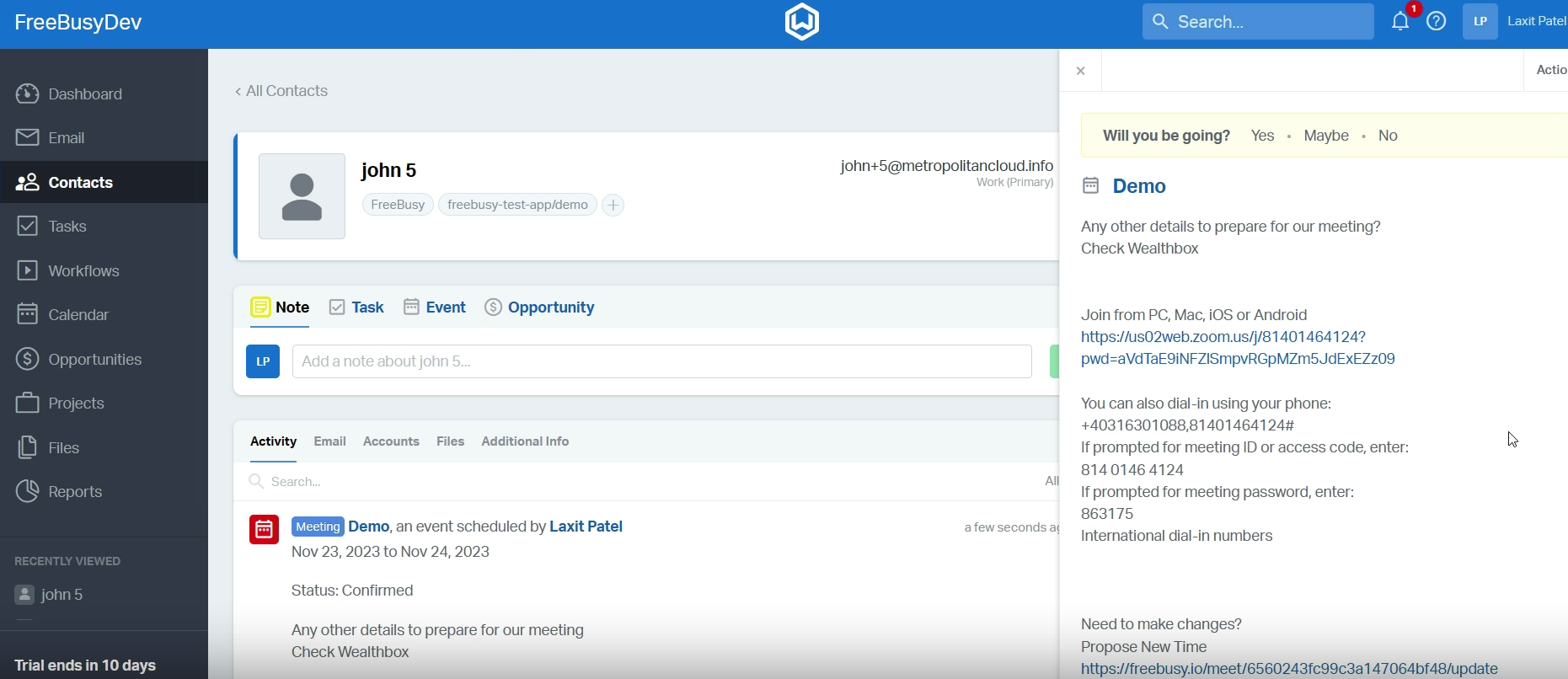
Create a contact in Wealthbox
If scheduling a meeting on FreeBusy and the participant is not found within the Wealthbox contacts, contact details will be created.
Troubleshooting & FAQs
Q: What happens if a client reschedules or cancels a meeting booked through FreeBusy?
A: When a client reschedules or cancels a meeting, FreeBusy automatically updates the event in your Wealthbox calendar. This ensures you always have the latest meeting details without needing to make manual adjustments.
Q: How does FreeBusy know whether to create a new contact or link to an existing one in Wealthbox?
A: FreeBusy matches contacts in Wealthbox by using the participant’s email address. If an email match is found, the meeting is linked to that existing contact. If no match exists, FreeBusy will create a new contact in Wealthbox and tag it to show it came from your booking page.
Q: Can I customize the tags FreeBusy applies to new contacts created in Wealthbox?
A: By default, FreeBusy automatically adds a tag indicating the contact originated from your booking page or a specific form. While you can manually edit or add additional tags in Wealthbox after the contact is created, the initial tag itself cannot be customized within FreeBusy settings.